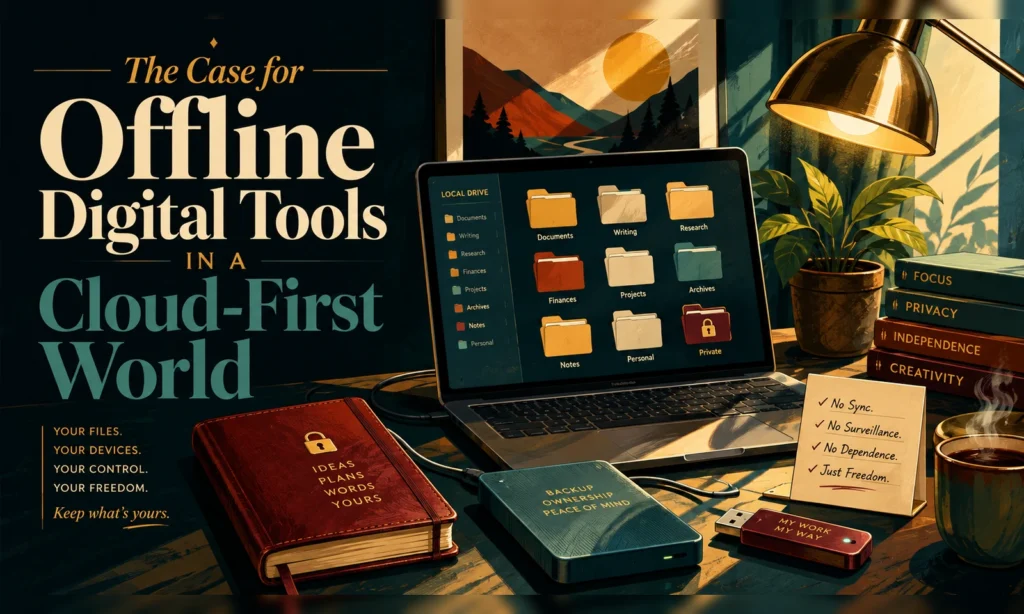
Most of the technology we use today assumes one thing: you are connected.
Your documents are in the cloud. Your photos are in the cloud. Your passwords, calendars, notes, subscriptions, financial records, and personal information may all depend on an internet connection and an outside company keeping its service available.
For many people, that is convenient. But convenience is not the same thing as control.
There is still a strong case for digital tools that work locally — on your own computer, with your own files, without requiring an account, subscription, or constant internet connection.
The Cloud Solved a Real Problem
Cloud-based software became popular for good reasons. It allows you to open information from multiple devices, synchronize files automatically, collaborate more easily, and often recover information after a device failure.
The problem begins when cloud access stops being an option and becomes a requirement.
A simple task that once required opening a file can now involve creating an account, remembering another password, accepting another privacy policy, maintaining another subscription, and hoping the company continues supporting the service.
Sometimes the Best Tool Is the One You Own
An offline digital tool can be remarkably simple.
You download it. You open it. You use it.
Your information stays on your device unless you decide to move or share it.
There may be no login screen, no monthly fee, and no company account sitting between you and your own information.
A locally stored household organizer, personal reference system, research library, planning tool, or information dashboard can remain useful even if the company that created it disappears.
Privacy Is Easier to Understand
Privacy discussions around technology can become complicated very quickly. Where is the information stored? Who has access to it? Is it used for advertising? Is it sent to another service? Is it being analyzed?
A properly designed offline tool can make the situation much clearer.
If the program runs locally and the information is stored only on the user’s computer, there are fewer places for that information to travel.
That does not automatically make every offline tool perfectly secure. Users still need sensible passwords, backups, device security, and good judgment.
Subscriptions Are Not Always Necessary
The subscription model has become normal. Sometimes that makes sense, especially when a service requires constant updates, live data, cloud storage, or ongoing support.
But not every digital product needs that model.
A focused household organizer or personal planning tool may not need a remote server running every day. For many tasks, a one-time downloadable product can be enough.
Offline Does Not Have to Mean Primitive
Modern browsers can run surprisingly capable local tools.
A well-designed offline application can include forms, search, filtering, reports, checklists, calculators, dashboards, printable summaries, saved records, and interactive guidance.
The difference is not necessarily what the tool can do. The difference is where the work happens.
Simplicity Is a Feature
Technology companies often compete by adding features. More integrations, more dashboards, more automation, more menus, and more settings.
But additional capability does not always make a product easier to use.
For a person trying to accomplish one specific task, the ideal digital product may be something that opens directly to the job that needs to be done.
No account setup. No complicated onboarding process. No advertising. No endless stream of notifications. Just the tool.
The Tradeoff: You Become Responsible for the File
Offline tools do have a cost: the user takes on more responsibility.
If your information exists only on one computer and that computer fails, the cloud cannot automatically restore it.
That means backups matter.
The best approach may not be “cloud versus offline.” It may be local first, backup second.
The Right Question Is Not “Cloud or Offline?”
Both approaches have a place.
Cloud software is excellent when people need collaboration, synchronization, live information, or access from many locations.
Offline tools are excellent when the job is personal, focused, private, or unlikely to require constant outside connectivity.
A Different Kind of Digital Product
There is room for products designed around a different philosophy: buy it once, keep it, use it locally, understand where your information is stored, and back it up on your terms.
The cloud has changed computing for the better in many ways. But progress does not require putting everything online.
Sometimes a good digital tool should simply belong to the person using it.
From ALonder Publishing
The Digital Tools side of ALonder Publishing focuses on practical products that help people accomplish something useful without automatically requiring another subscription or cloud account.
Technology should make a task easier. It should not always require surrendering control in exchange for convenience.